· adswds-team · Product Release · 1 min read
Adswds Platform 3.7.0: Ad rule templates
3.7.0 lets you save ad filtering rules as templates and reuse them within the same account—visible only to you or shared in the account—plus a management page with read-only preview.
Adswds Platform 3.7.0 release notes
2 August 2026 — Adswds Platform 3.7.0 is now available.
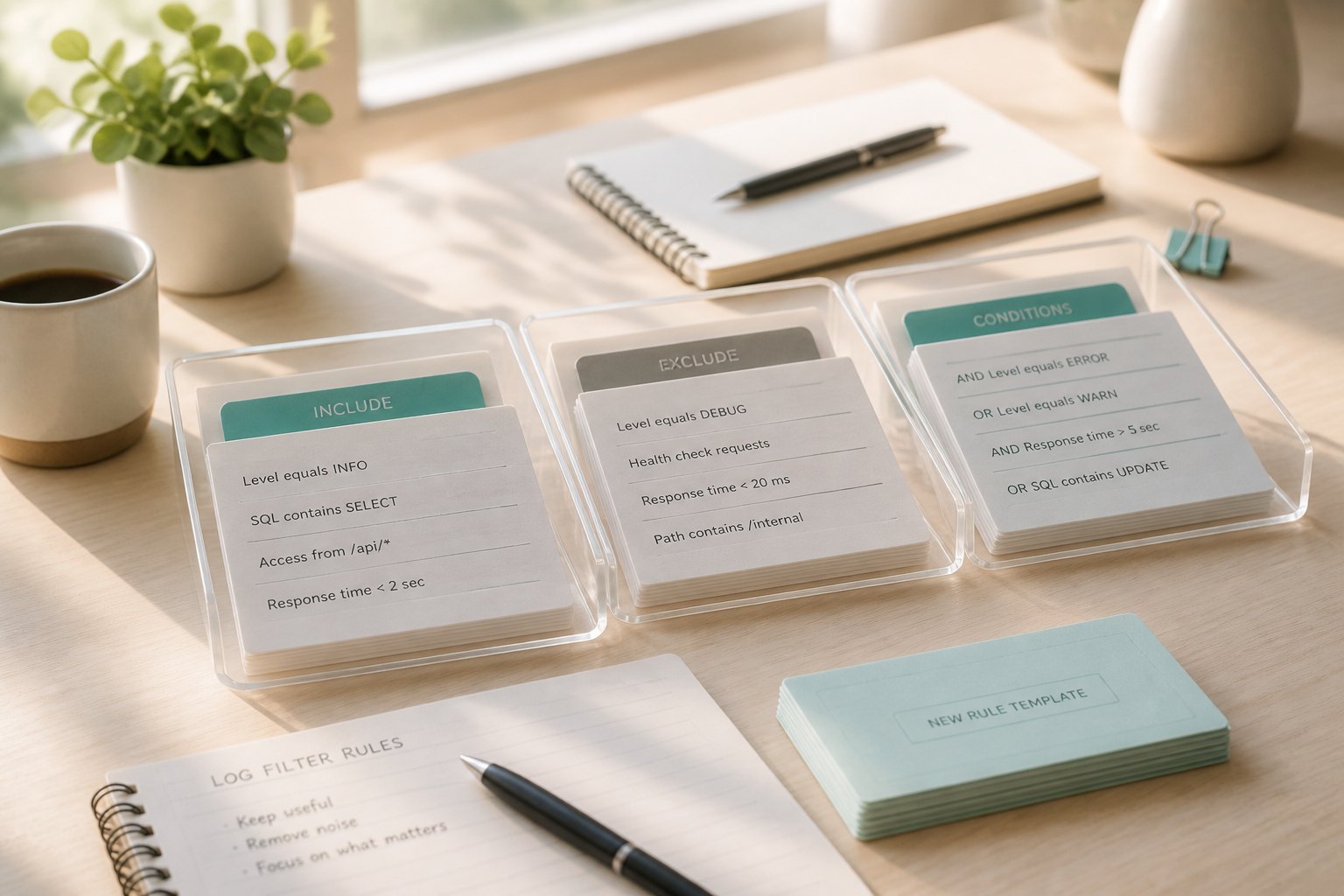
This release focuses on setup speed: save a finished ad filtering configuration as a template, then reuse it across ads on the same account.
What’s new
Rule templates
- Save the current rules as a template from the ad rules page
- Visibility options: only you, or shared in account
- Apply template fills the editor only; click save before it affects that ad
- Editing or deleting a template later does not automatically change ads already saved
Template management
- New Rule Templates sidebar page: list, preview rule content, rename, delete
- Members can rename or delete only templates they created
- Admins can manage all templates in the account
- Rule content is read-only in the management page
How to use
- After configuring an ad’s rules, choose Save as template and set the name and visibility
- On another ad, open Apply template, preview if needed, apply, then save the rules
- To organize templates, open Rule Templates in the sidebar to preview, rename or delete
- Visitor filtering and go-live flows stay the same; this release does not change the traffic-quality decision engine itself